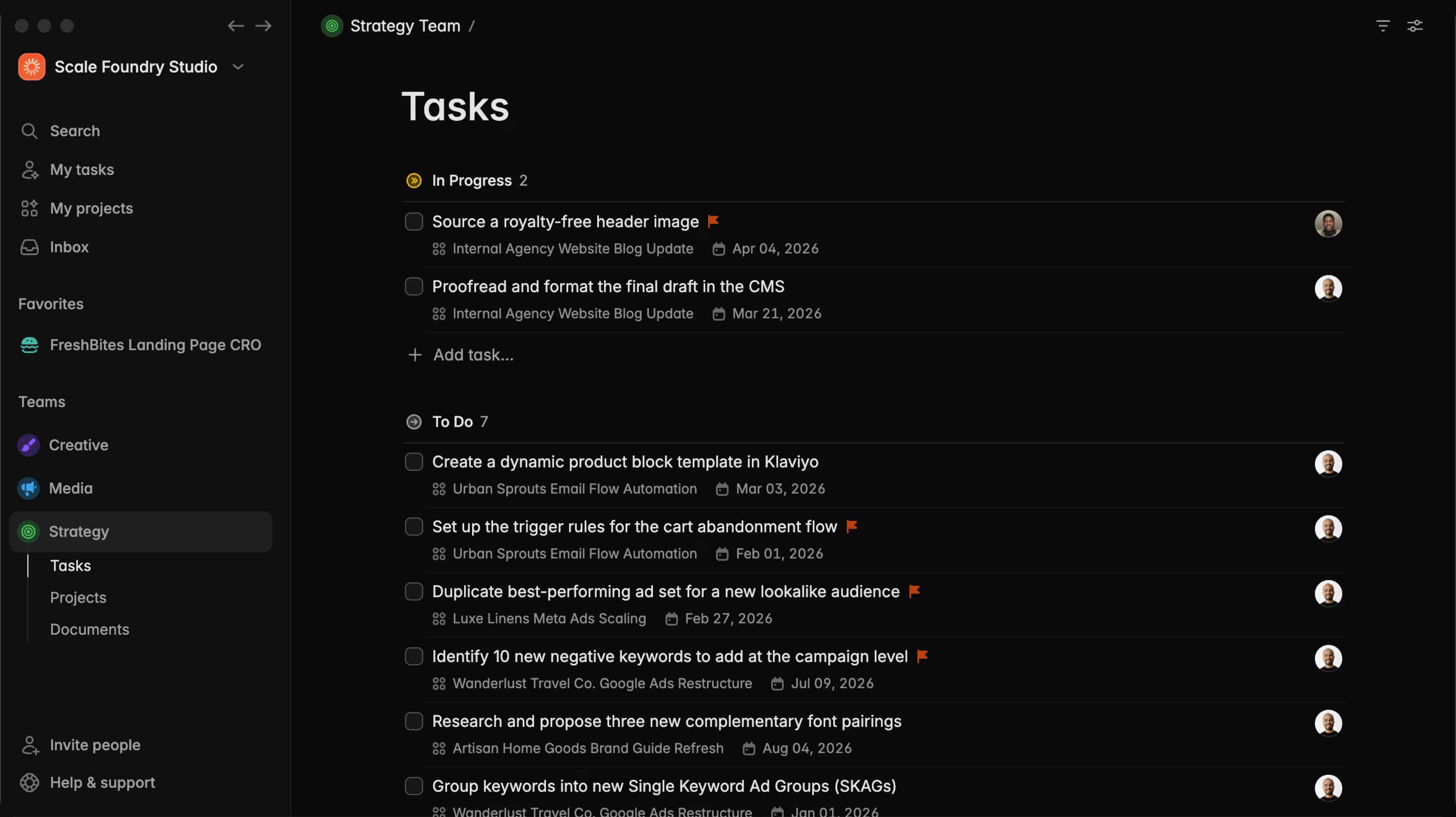
Group projects with Collections

Abraham
Collections are shared folders that group related projects across your workspace.
They let you:
- See all related projects in one place, even if they belong to different teams.
- Check overall progress and status at a glance, then open individual projects when needed.
- Keep a single shared document with key information that everyone on the team can reference.
Collections are accessible from the "Collections" page, but also on your team's projects table, and on individual tasks.
Some interesting use cases:
Agencies and service businesses
Group projects by client. Store client details, onboarding info, links, and notes in one place while tracking delivery across all related projects.
Product and ecommerce teams
Use a collection for a company-wide goal, such as an OKR or a major launch. Plan the work and track execution across all projects tied to that goal.
Events and campaign teams
Group everything needed to deliver an event or campaign, such as venue planning, marketing, logistics, and follow-up work. Keep budgets, vendor contacts, and timelines in one central document while tracking progress toward launch day.
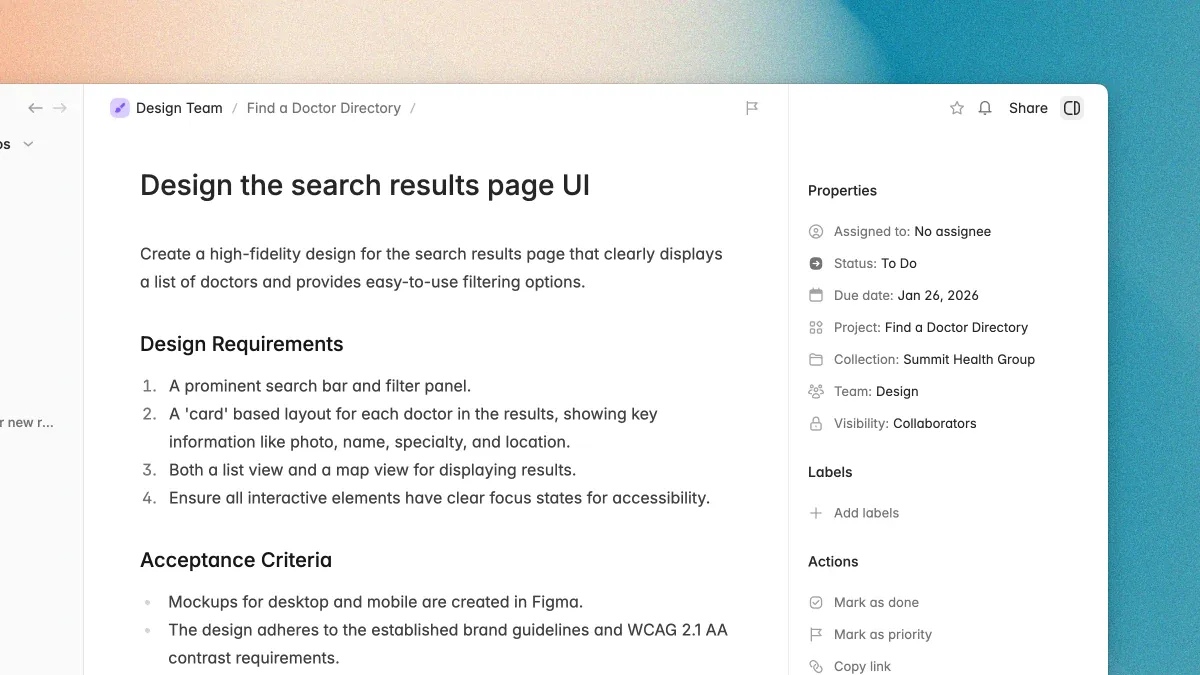
New properties panel for tasks and projects
The new properties panel reduce the cognitive load of the properties, and helps you keep the focus on your work, even with the panel open.
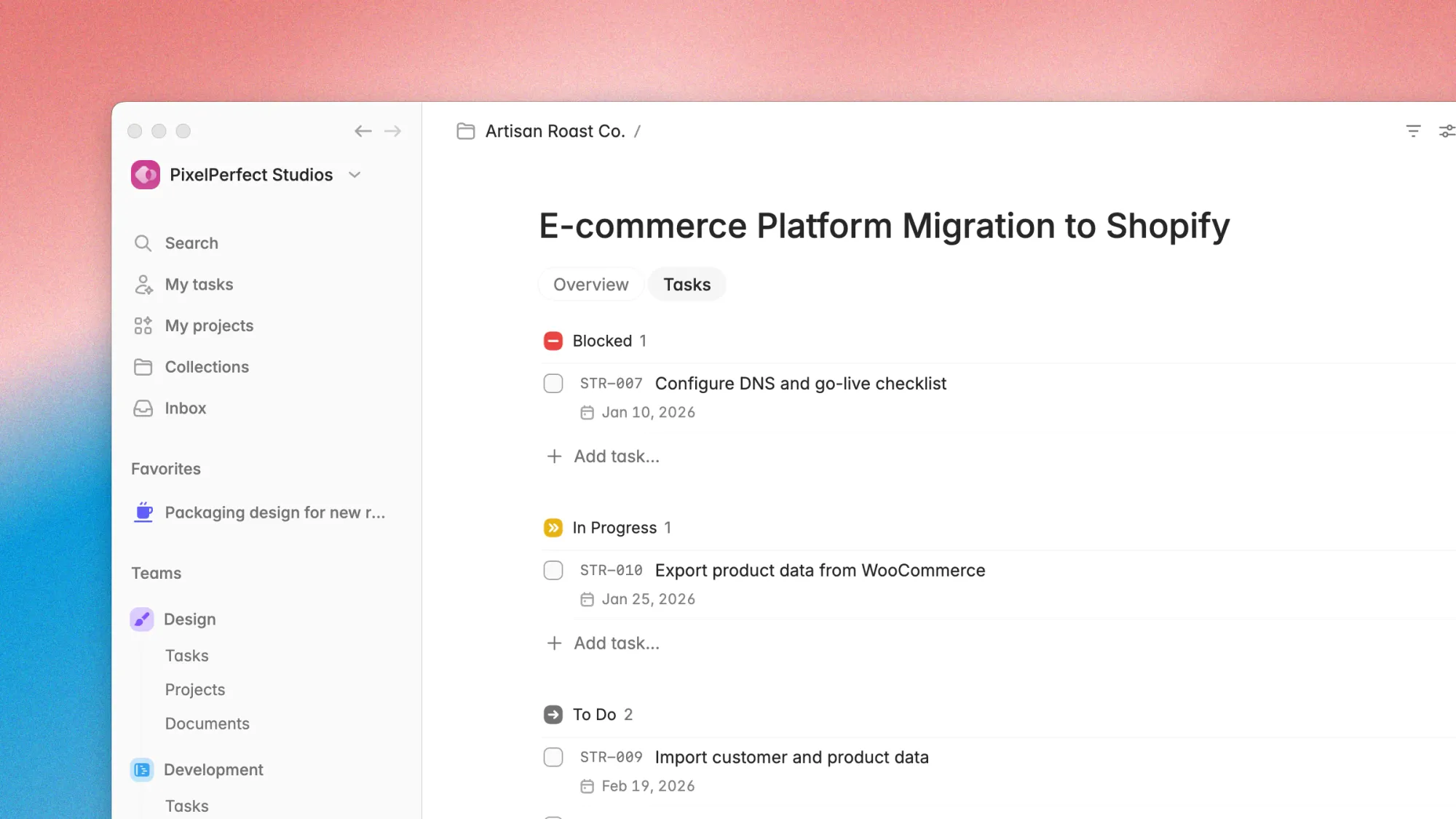
New navigation for projects
Quickly change between the project overview and its tasks with a toggle that stays visible under the page title.
"Created at" property for tasks
You can now display when a task was created and on hover, see who created it. This is useful to keep track of stale tasks, and makes it easier to know who added what to the plate.
You can turn this on and off on each view from your view settings.
Improvements and bug fixes
- See the full task ID before its name on mixed team views (like my tasks, or projects). Click the ID to move the task to another team or copy the ID to clipboard.
- Adds remove from favorites action to favorited elements in sidebar
- Redesign the top bar actions for projects views and task details view, removing the dots menu and moving the position of the favorite action to achieve a more minimal UI
- Added the new page title design to all pages in Plot
- Fixed login issues when switching accounts or after logout
- Fixed redirect issues when trial expired
Try Plot free for 15 days
Plot replaces the bloated all-in-one apps with a focused workspace built for projects, tasks and documents. Impossibly fast, refreshingly simple.