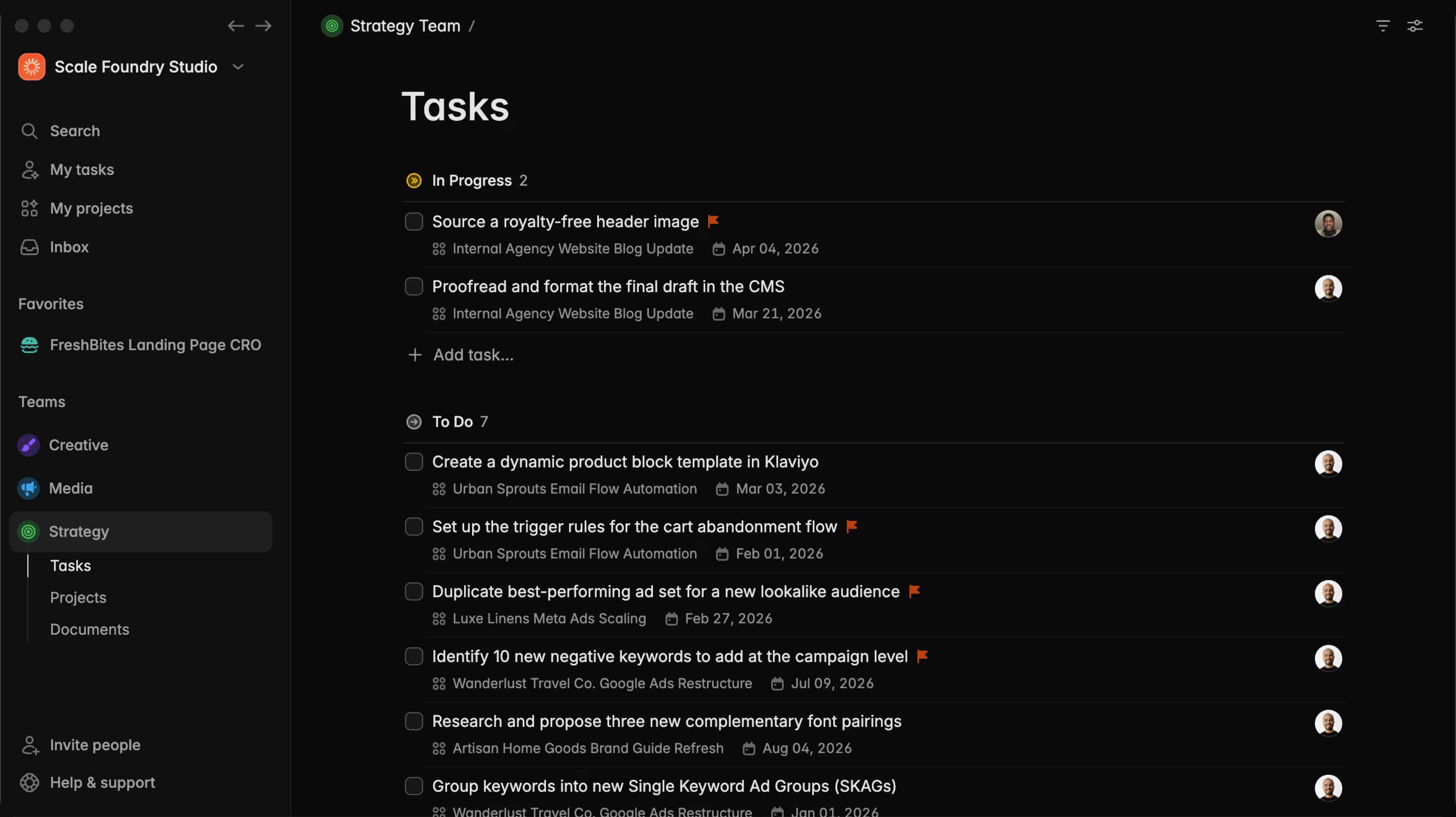
Task Templates

Abraham
Today we're kicking off Plot's changelog, and this is a big one. This release includes our brand new task templates, natural language dates in tasks, and a host of improvements and bug fixes.
Create new tasks from templates with one click
Now you can create templates for your tasks in Plot and then have quick access to them during creation with a new slash command menu.
To create a new template, use your team's menu
The template editor has access to all the properties from a regular task. You can edit the title and description (of course) but also add a default due date, assignee, labels and more.
Go to the sidebar, hover over the team's name and in the ··· menu, go to Templates to get started.
Access your team's templates in the ··· menu in the sidebar
While typing a new task, type / to access all your templates
Use the arrow keys or continue typing to find the template you want, and press enter. With one click all the data will be populated in your task.
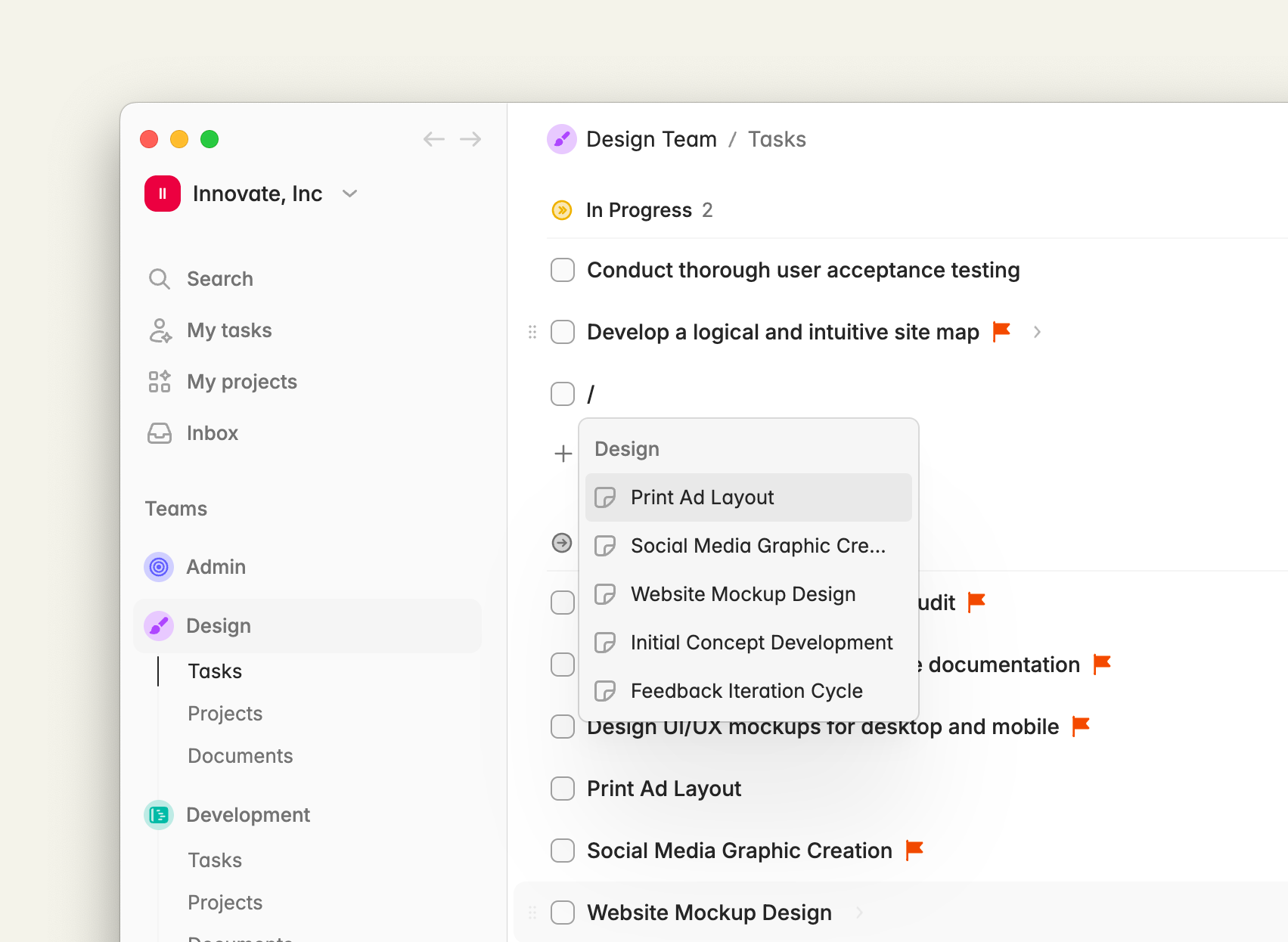
This is (as far as we can tell) the fastest task creation experience in any project management app.
Set the due date on tasks using natural language
You can now type any date using natural language while creating a task by using an @ sign. It works with any format of date for example: @today , @in 10 days or @Sept 21
Once you press enter or click outside the task, the tag will be removed and the due date will be updated.
Plot is now 2x faster
In this release we added a (big) optimization to make navigating between pages even faster than before. It was pretty fast already but now it's rapidly approaching instant, as it should be.
Improvements and bug fixes
- Fixed a bug that caused priority flags to disappear unexpectedly in tasks
- Fixed a bug that caused some drag and drop operations to fail in board view
- Rearchitected our main text input from the ground up to support the new input features. This change makes task creation a lot smoother.
- Fixed issues with avatar uploads and profile updates
Try Plot free for 15 days
Plot replaces the bloated all-in-one apps with a focused workspace built for projects, tasks and documents. Impossibly fast, refreshingly simple.