
Overview
Learn the purpose of areas, use their overview, and move between area resources.
Areas give a group of related work a clear home. Create areas for functions, clients, products, or long-running initiatives.
Every task, project, document, file, label, and status belongs to an area. Area templates belong to one area. Workspace templates work across all areas.
Use the area overview
The overview gives the area a shared front page. Add its purpose, links, contacts, working agreements, or current priorities.
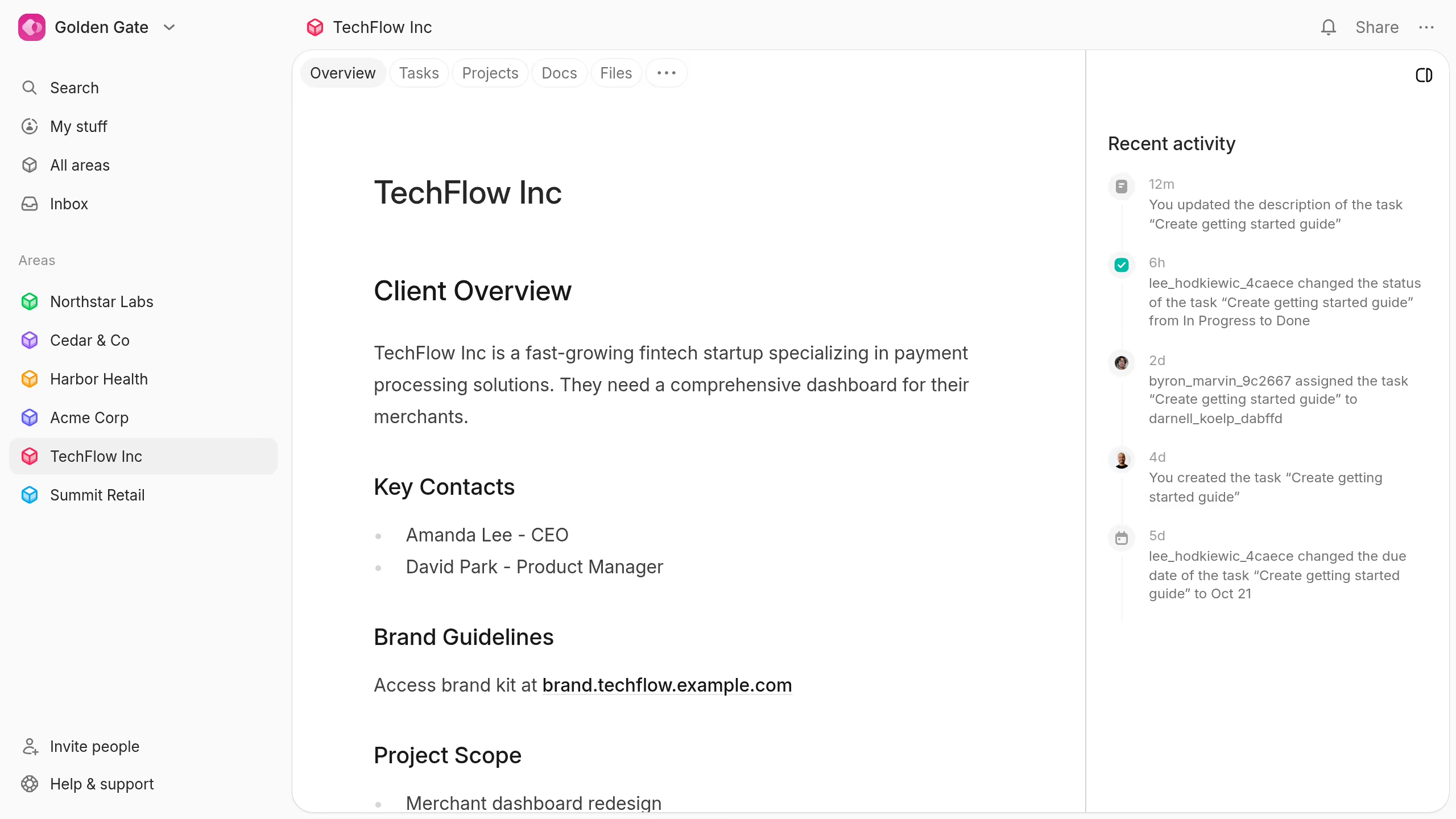
The Recent activity feed shows current changes across the area. Hide it when you need more space for the overview.
Move around an area
Each area has these tabs:
- Overview: Shared context and recent activity.
- Tasks: The area's work and task views.
- Projects: Larger outcomes owned by the area.
- Docs: Plans, decisions, and reference material.
- Files: Shared uploads for area members.
The area's menu also opens templates, settings, trash, and archive controls.
Use Workflows to manage labels, statuses, and workspace templates. Use Member management to understand roles, guests, and visibility.