
Overview
Browse and create plans, decisions, notes, and reference documents.
Documents keep long-form context close to the work. Use them for briefs, plans, meeting notes, decisions, and guides.
Browse documents
Open an area's Docs tab. Search by title or select a document card to open it.
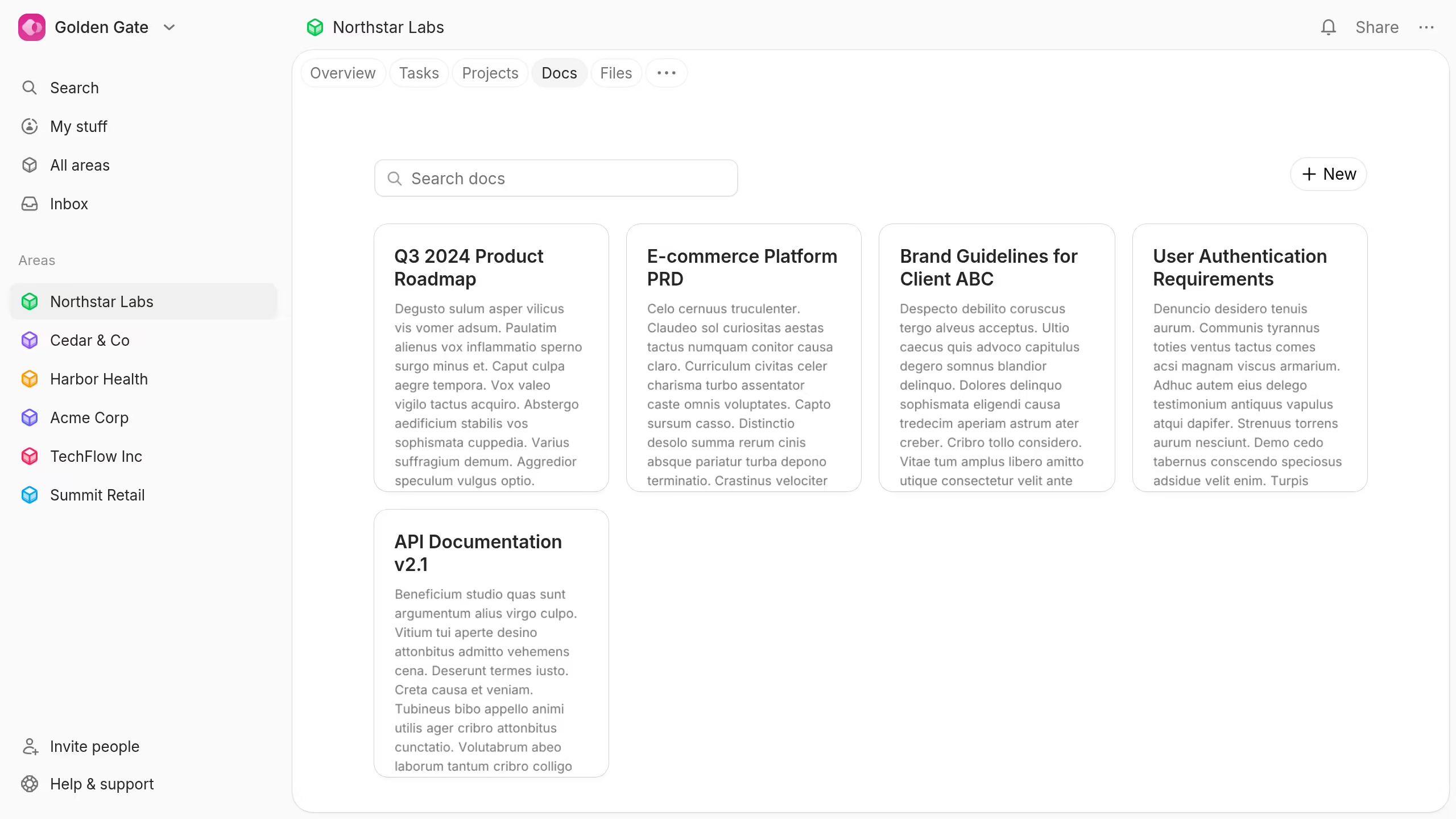
Documents belong to one area. Their area controls available collaborators and default access.
Create a document
- Open the area's Docs tab.
- Select New.
- Enter a title.
- Add the document content.
Plot saves the title and content as you write.