
Overview
Open area files, upload shared assets, and monitor upload progress.
Area files give shared assets a stable home. Use them for source files, exports, research, media, and deliverables.
Open area files
Open an area, then select Files.
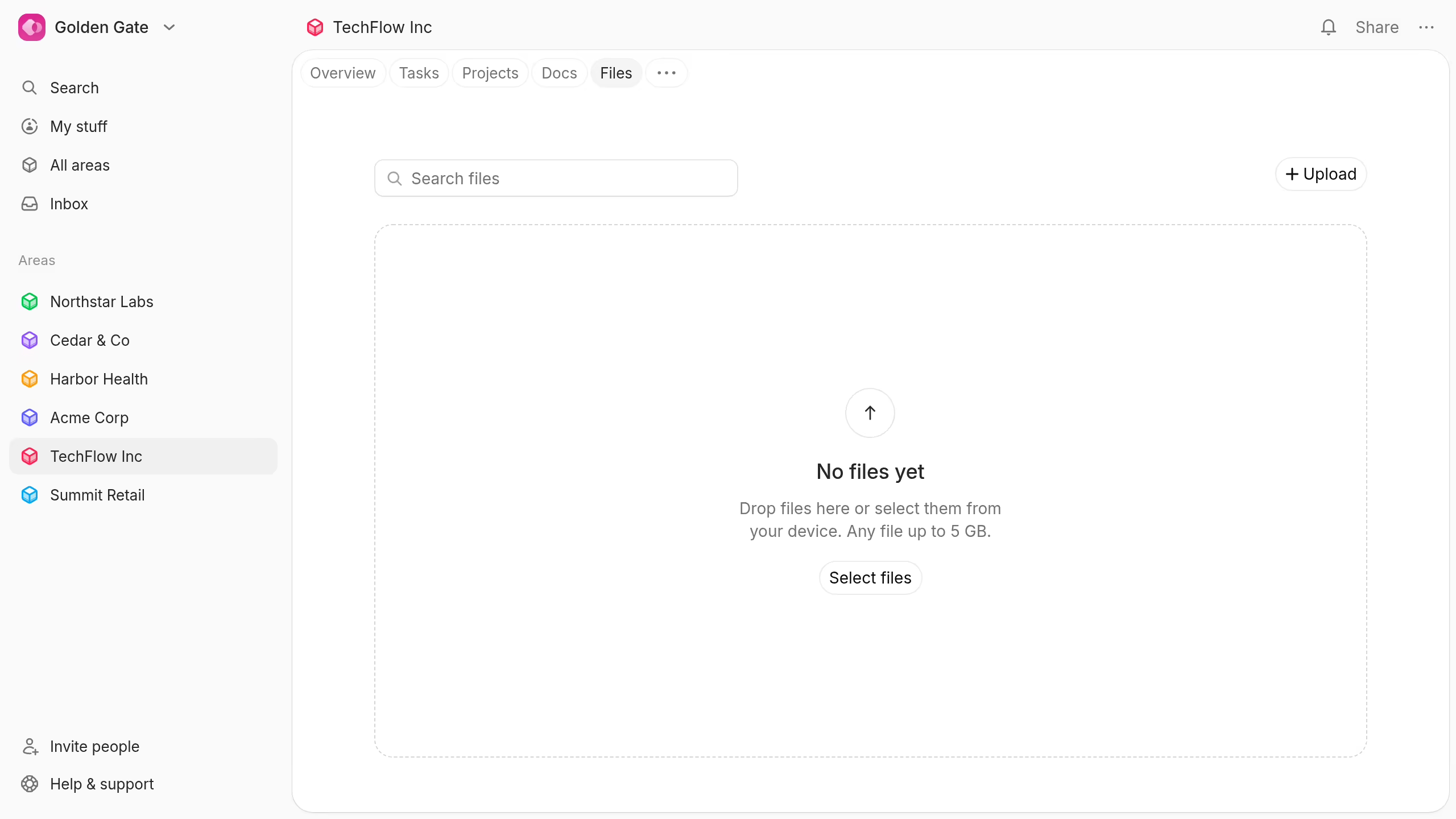
The file list shows each file's name, creator, and creation date. Select a column heading to change the sort order.
Upload files
Use any of these methods:
- Select Upload and choose one or more files.
- Select Select files in an empty file library.
- Drag files onto the page and drop them in the upload area.
Each file can be up to 5 GB.
You need permission to create content in the area. Plot explains when your access does not allow uploads.
Monitor an upload
Each upload shows its transferred size, total size, percentage, and progress.
Select Cancel upload to stop an active upload. Select Retry after a failed upload, or dismiss it from the list.
Keep the page open until large uploads finish.