
Setup and privacy
Create an area and control who can find and join it.
Create an area
- Open the menu beside Areas in the sidebar.
- Select New area.
- Enter the area name and choose its color.
- Choose an Area privacy option.
- Create the area.
- Add members in the next step.
You can also open Areas in the Workspace section and select New area.
Choose area privacy
Open Settings and use the Privacy control.
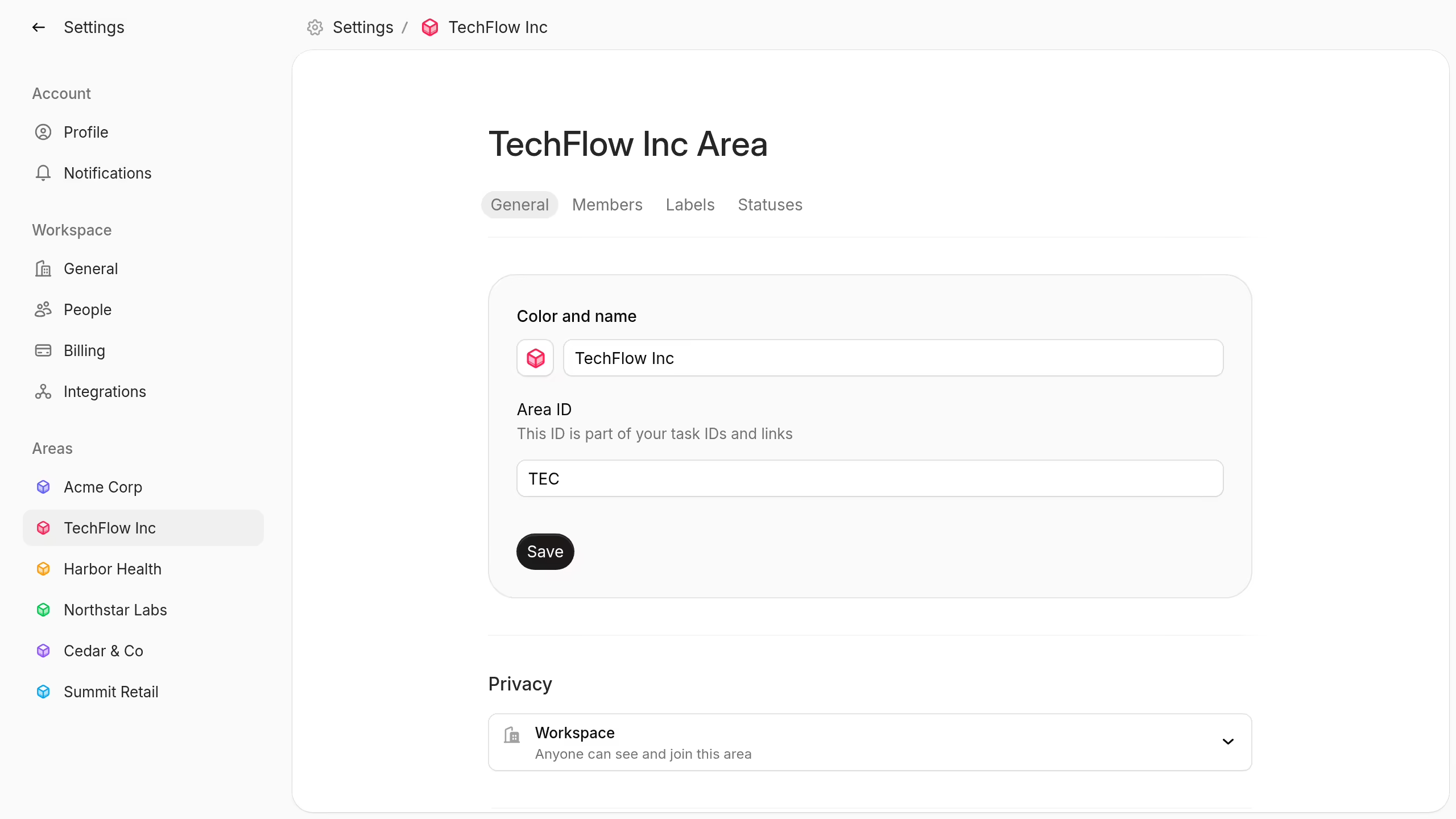
Choose one of these options:
- Workspace: Anyone in the workspace can see and join the area.
- Request: Anyone can see the area, but they must request membership.
- Private: Only area members can see the area.
Use Private for sensitive client or company work. Use Workspace when open discovery helps collaboration.
People can join a Workspace area directly. A Request area shows a join request action. A Private area does not appear to non-members.
You need permission to edit area settings before you can change privacy.
Read Roles and permissions to manage area members and access levels.