
Writing and collaboration
Edit document content, share access, and discuss the document with updates.
Write and edit content
Select the title or page body and start typing.
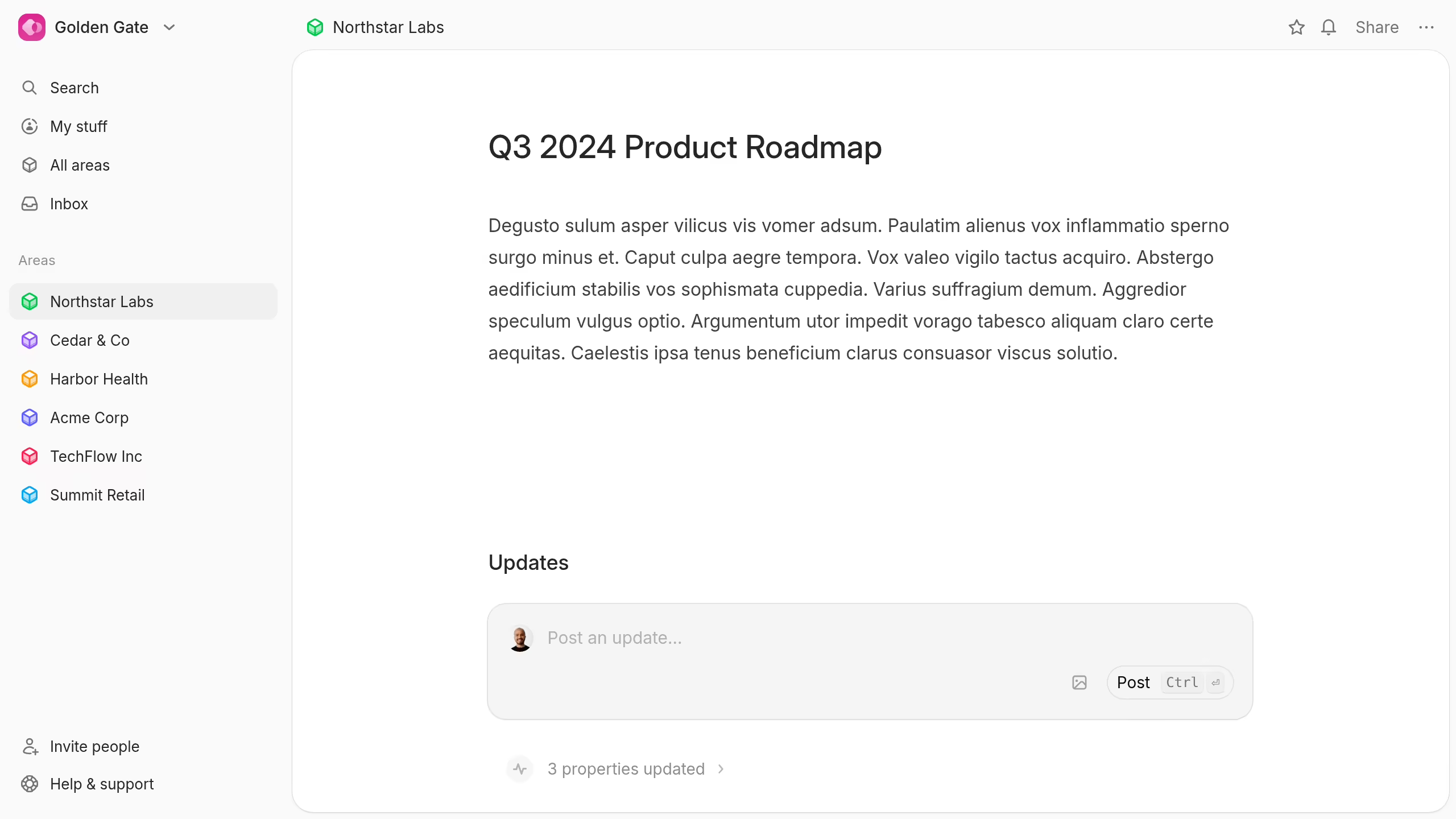
Use headings, lists, links, callouts, images, and other editor blocks to structure the page.
Keep the first section useful to a new reader. Explain the purpose, owner, current state, and next action.
Share a document
Select Share at the top of the document.
Add a person, choose their access level, or copy the document link.
Documents use four visibility options:
- Private: Only you can see the document. Only the creator can choose this option.
- Hidden: People with normal document access can see it, but guests cannot.
- Collaborators: Area collaborators can see it.
- Workspace: All workspace members can see it.
Read Task and document visibility for the full rules, including guest limits.
Discuss a document
Use Updates below the document to add progress notes or questions.
People can reply and react without changing the main document. This keeps the durable content separate from its conversation.