
Overview
Post task updates and project status updates with useful context.
Posts and updates keep conversations in context. Use them on tasks, projects, documents, and areas.
Post an update
- Open the task, project, document, or area.
- Find the Updates section.
- Write the update.
- Select Upload images when visuals help.
- Select Post or press
Ctrl+Enter.
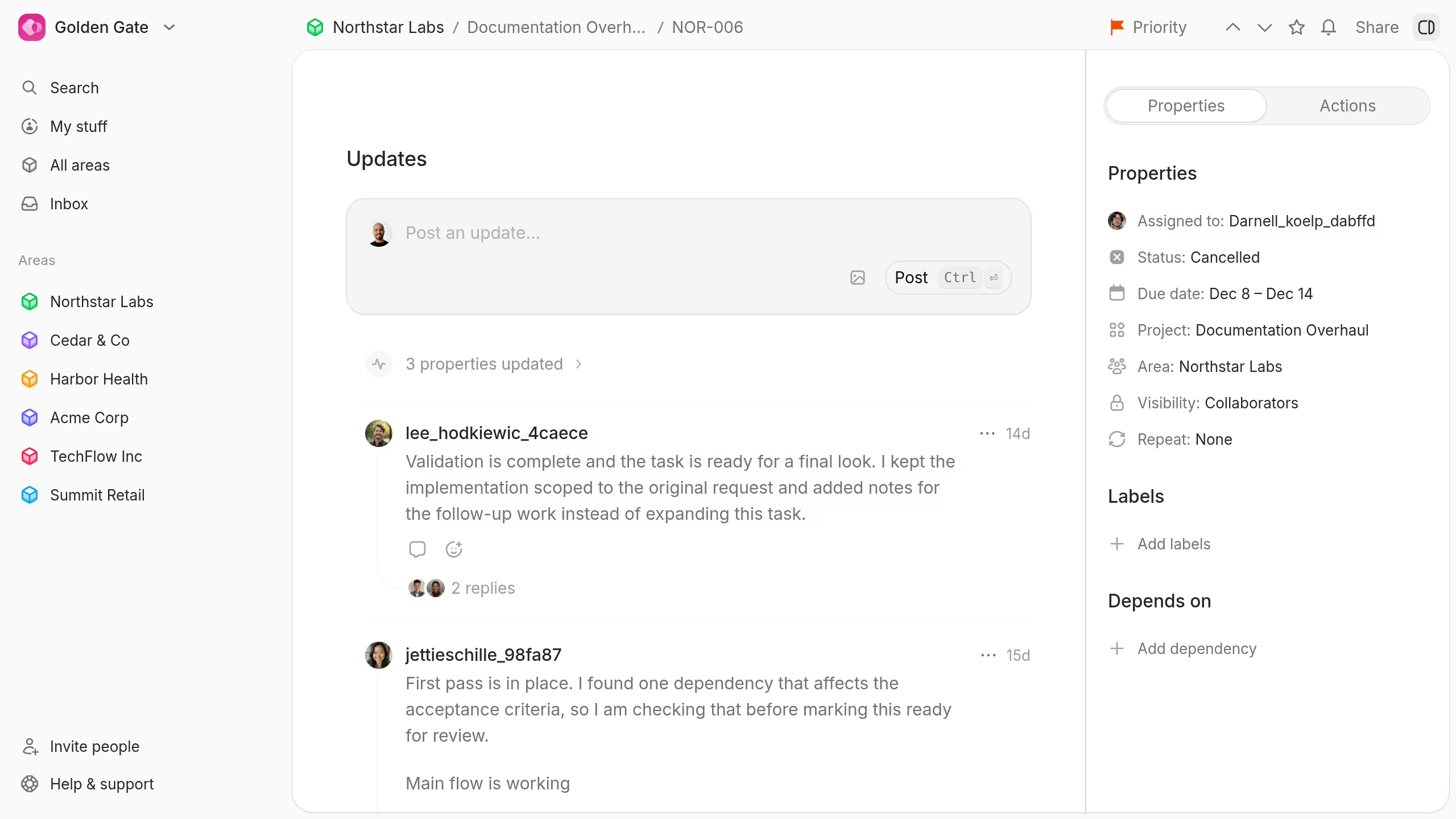
Write the result first. Then add context, blockers, decisions, and the next action.
Post a project status update
Project updates also include a project status.
Choose the current status before you post. This connects the written update to the project's reported health.
Use status updates for milestones, risks, delays, decisions, and completion notes.