
Views and filters
Filter task views and control their layout, grouping, sorting, properties, and creation area.
Filter tasks
Select Filter above a task view. Filter by:
- Status
- Assignee
- Project
- Due date
- Labels
- Priority
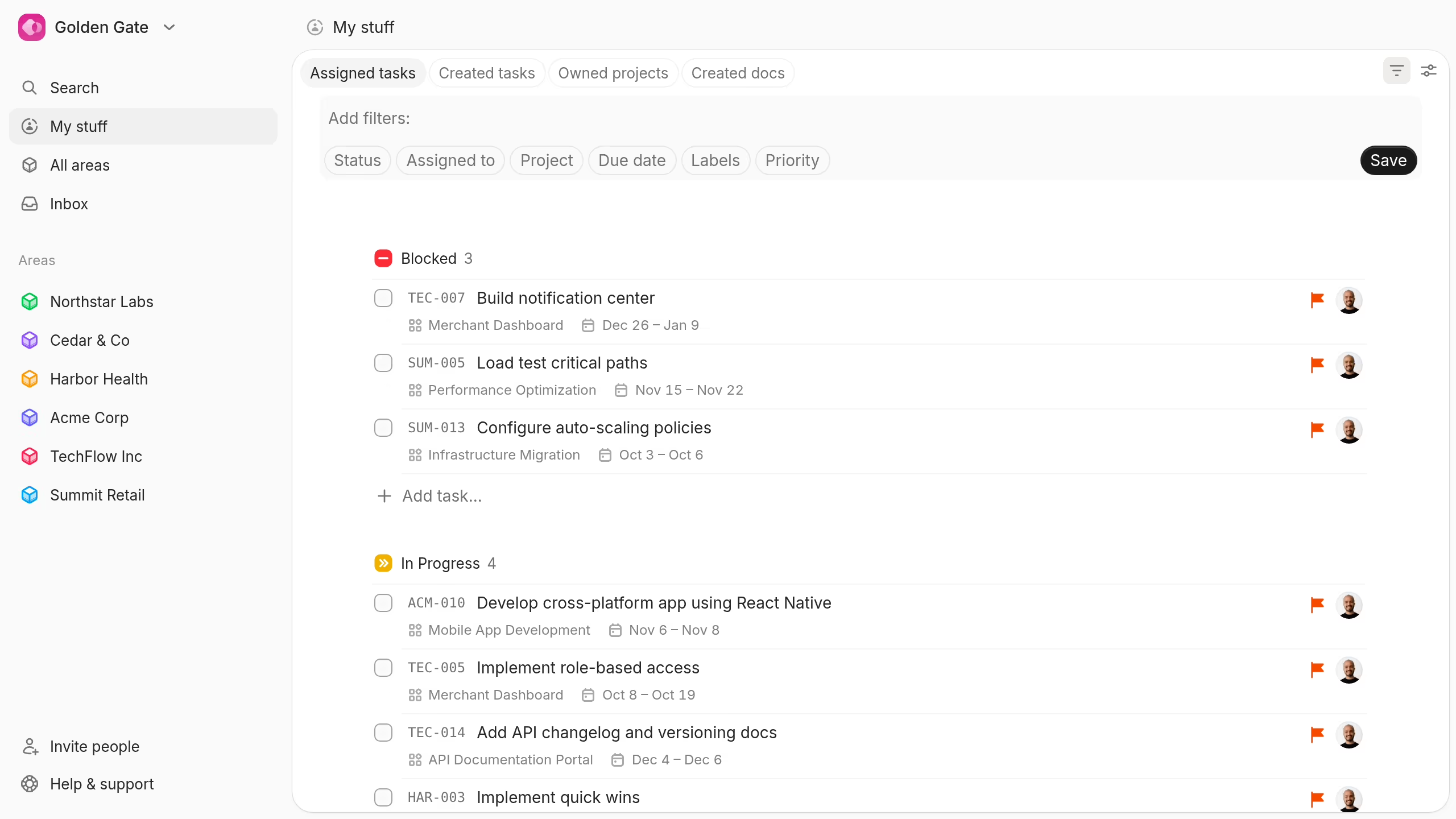
Use Save to keep a useful filtered view.
Customize a task view
Select View settings above any task view.
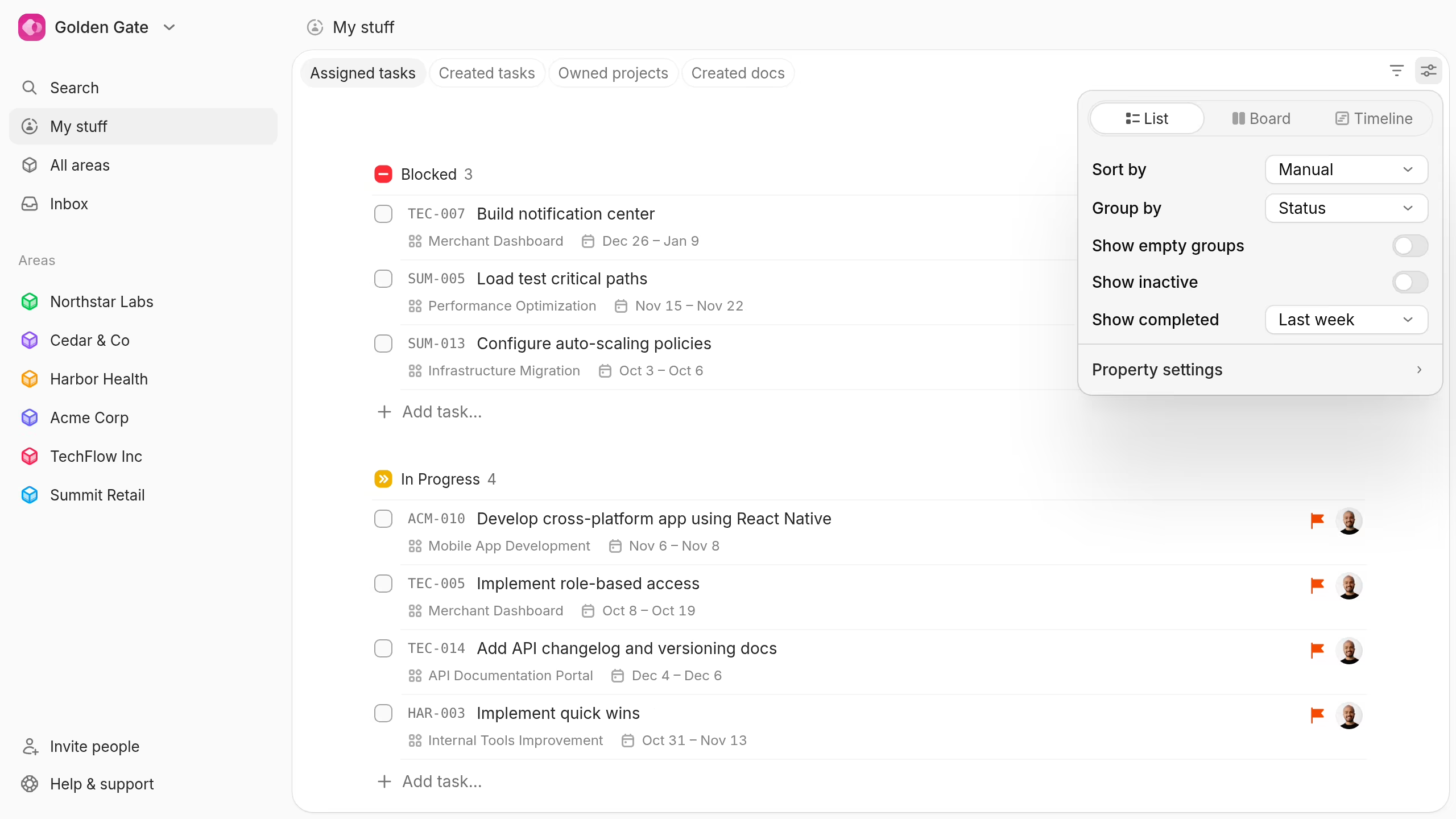
You can change:
- Layout: List, Board, or Timeline.
- Sort: Title, start date, due date, manual order, status, assignee, creation time, or update time.
- Grouping: Status, assignee, project, or no grouping.
- Empty groups: Show or hide groups without tasks.
- Inactive tasks: Show or hide inactive work.
- Completed tasks: Show none, the last week, month, year, or all completed work.
- Timeline days: Show weekends and choose Monday or Sunday as the first day.
- Properties: Show or hide task ID, priority, project, labels, status, creation date, due date, and assignee.
- Creation area: Choose where new tasks from this view belong.
View settings are individual. Your layout, settings, and manual task order do not change another person's view.
Each layout remembers its own grouping and sorting choices. You can switch layouts without rebuilding each view.