
Assignment and access
Assign tasks, set task visibility, share work, and control direct access.
Assign a task
- Open the task.
- Select Assigned to.
- Search for a person or select a suggestion.
Select No assignee to remove the current assignee.
Share a task
Select Share at the top of a task. Add a person, choose their access level, or copy the task link.
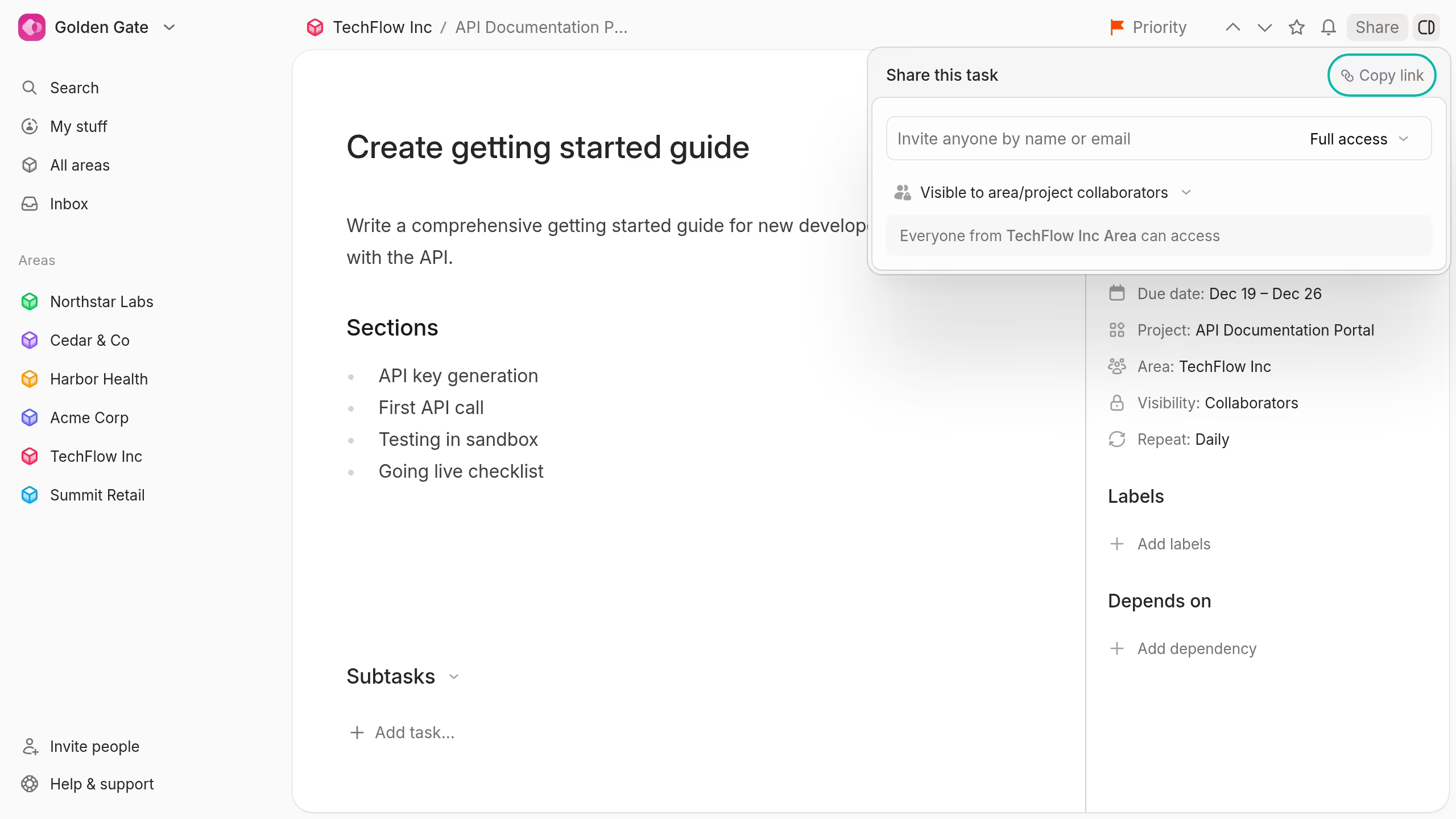
Task visibility sets the broad access boundary:
- Private: Only you can see the task. Only the creator can choose this option.
- Hidden: People with normal task access can see it, but guests cannot.
- Collaborators: Area and project collaborators can see it.
- Workspace: All workspace members can see it.
Direct sharing can give selected people access within that boundary.
Read Task and document visibility for the full rules, including guest limits.