
Assign tasks to Plot
Hand a task to Plot like you would to a teammate, and review the result on the task.
Assign a task to Plot and it does the work, keeps the task up to date, and asks you to review the result.
Assign a task
- Open the task.
- Select the assignee.
- Choose Plot. It's first in the list.
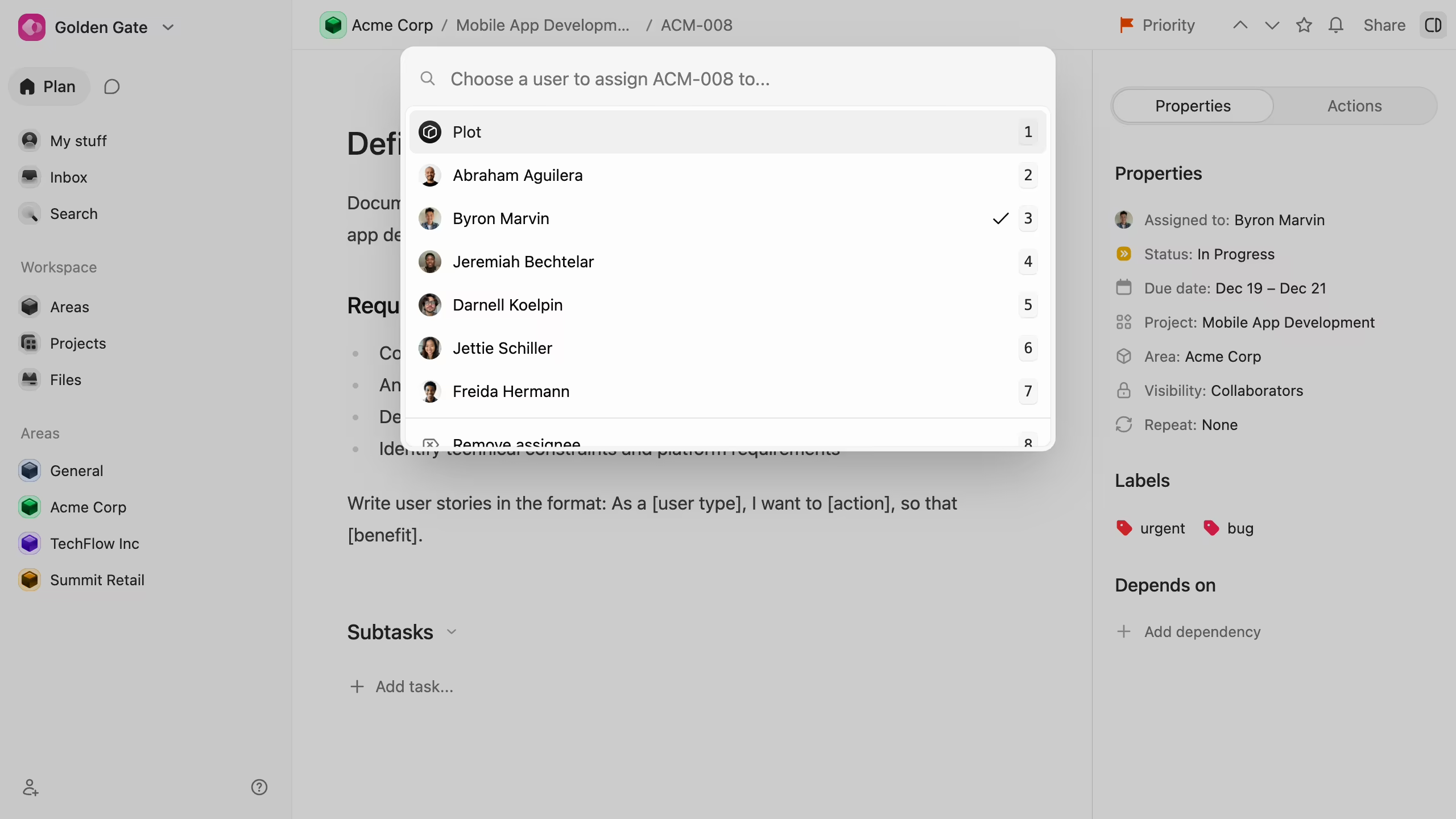
Write what you need in the task description. Plot reads the description and the comments before it starts.
What Plot does
- It comments on the task to say it has started.
- It sets the task to the area's in-progress status, usually In Progress.
- It does the work. When it needs an answer, it asks you in a private thread between you and Plot.
- When the work is ready, it comments with links to what it made and mentions you to ask for a review.
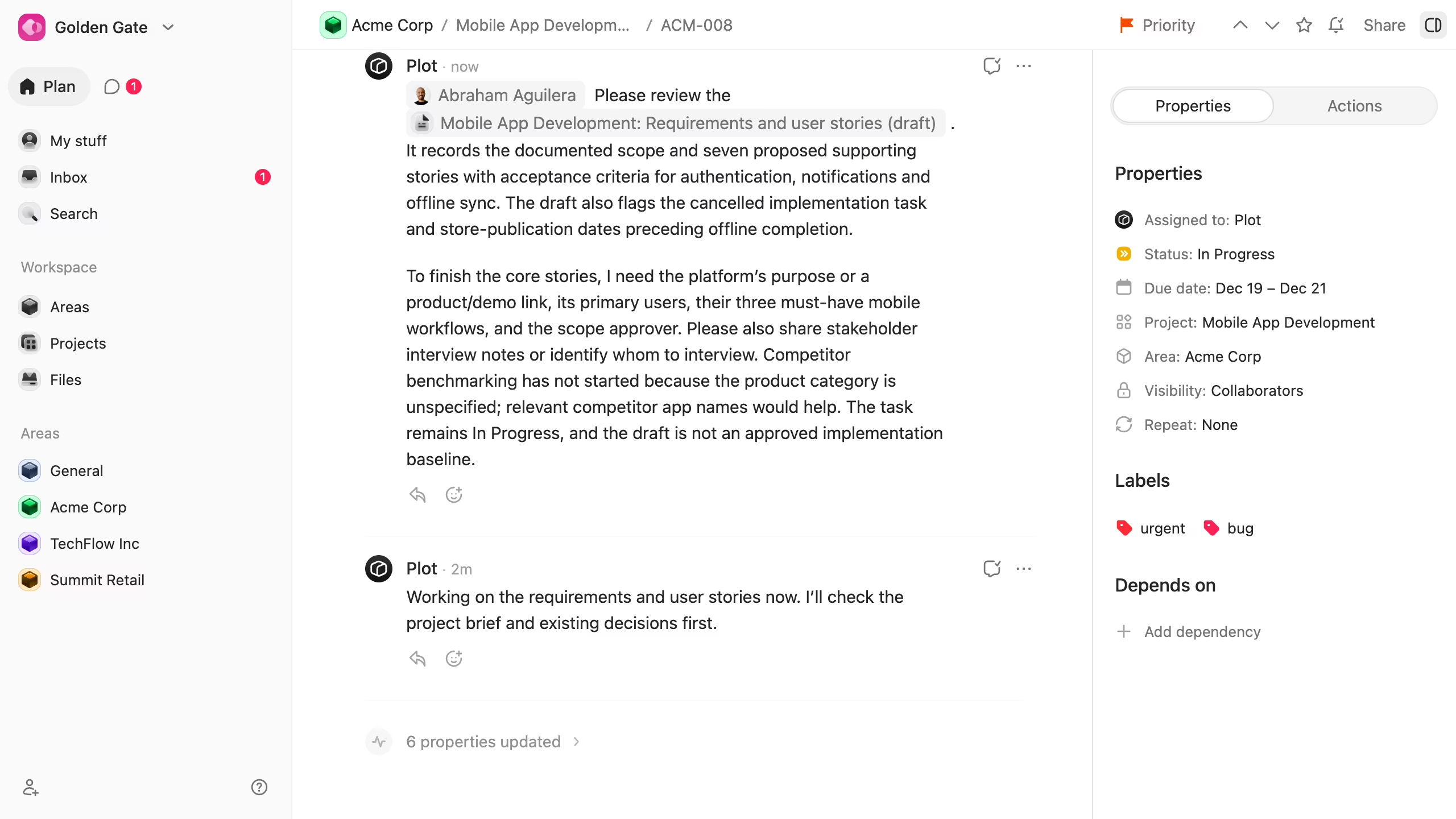
Plot leaves the status for you to change after your review. To follow up, reply in the thread that Plot started for the task. You find it in the Chat sidebar under the task's ID and name.
To take the task back, assign it to a person.
Ask Plot about a page
To ask Plot about a page without assigning it, select Ask Plot on the page. A new thread opens with a message that already mentions the page.